Cognitive assistance for a
prolonged autonomous living
Context aware Patient
monitoring for cognitive impairment
Cognitive assistance for a
prolonged autonomous living
Context aware Patient
monitoring for cognitive impairment
Cognitive assistance for a
prolonged autonomous living
Context aware Patient
monitoring for cognitive
impairment

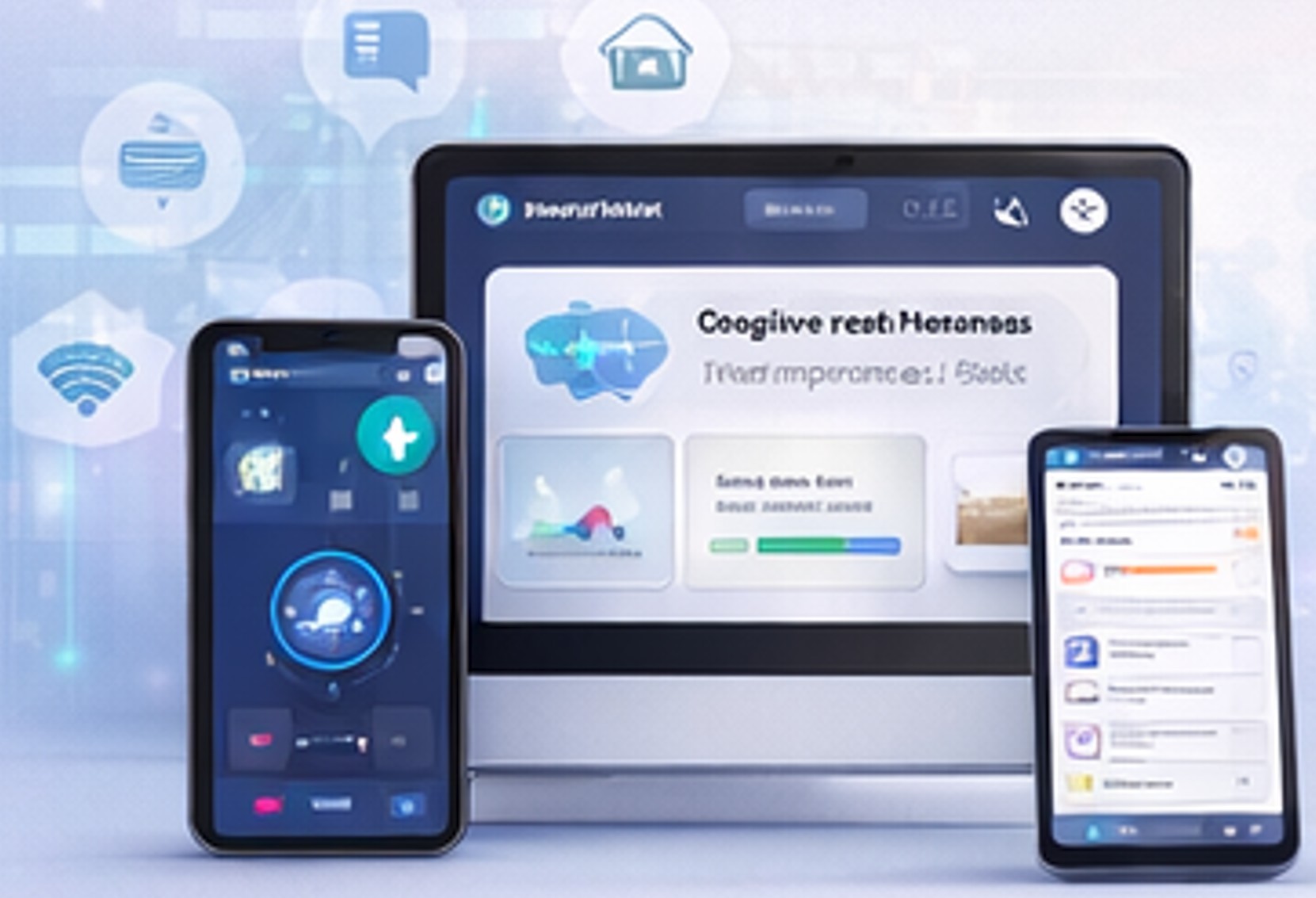
Learns from caregiver-verified outcomes
What is Neurobian
What is Neurobian
Turning signals into context-aware assistance
Estimates cognitive risk from multi-signal evidence
Intervene proportionally to de-escalate rising risk
Estimates cognitive risk from multi-signal evidence
Learns from caregiver-verified outcomes

Reduced supervision time
Context driven alerts
Accident prevention


Subtitle
Reduced supervision time
Reduced supervision time
Context driven alerts
Context driven alerts
Accident prevention
Accident prevention
How do I draw Frames?
To draw a Frame, click on Layout in the Toolbar, then select Frame. Now, you can click and drag anywhere on the Canvas.
How do I add images?
To add an image, select any Frame, and either double-click on it, or go to the Fill property. In the Fill property, switch to the image icon. Here, you can upload images.
How do I add videos?
To add a video to your site, click the “Insert” button and navigate to the “Media” section. Then, drag and drop a video component onto the Canvas.